Balances and accounts
Review the balances made available for the wallet and its accounts.

SafarCash wallet
Review wallet balances and activity, complete supported transfer flows, and return to transaction details and receipts.
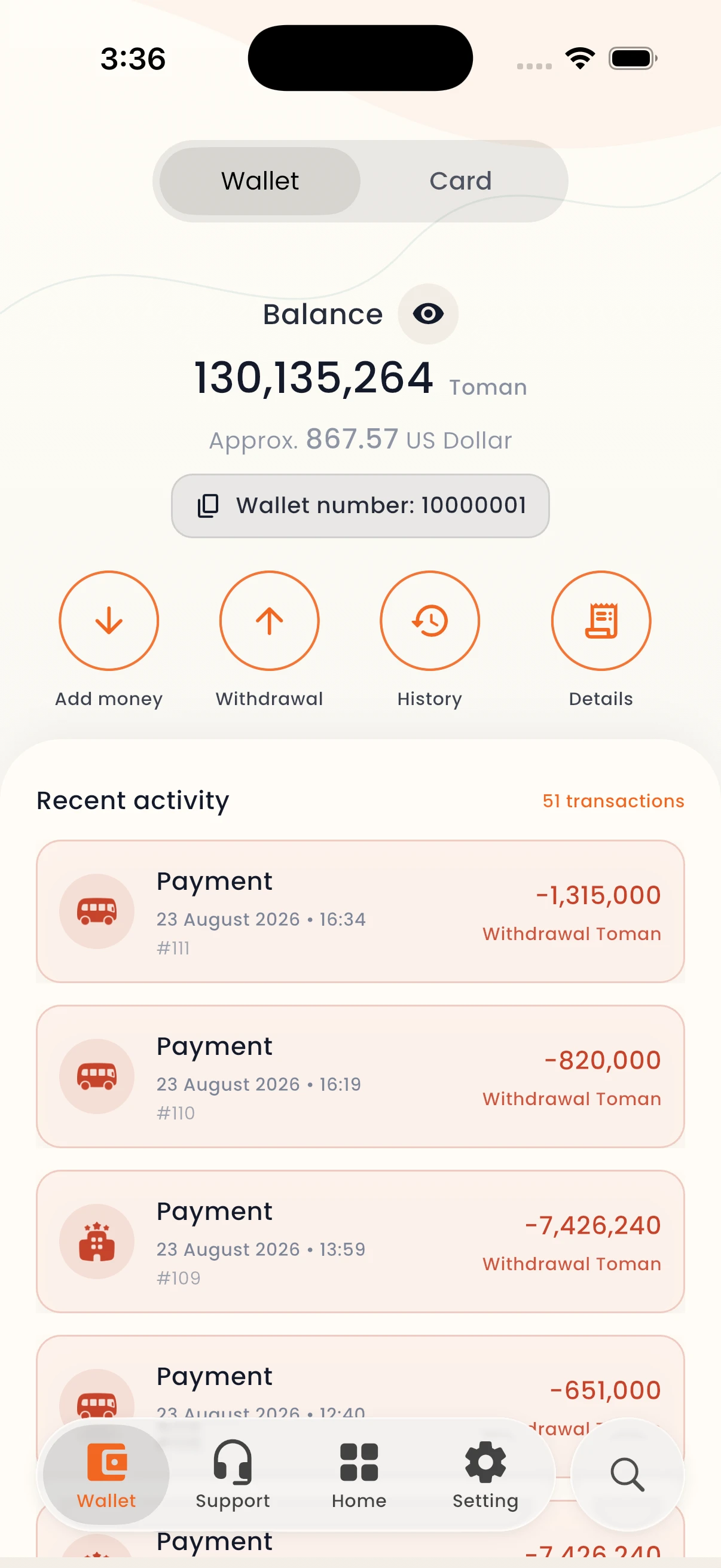
Review the balances made available for the wallet and its accounts.
Use the supported wallet transfer actions with the recipient and amount kept visible.
Open recorded transaction details and the receipt options provided by the app.
See available account and balance information.
Enter the relevant supported transfer or wallet flow.
Use history to revisit status, details, and receipts.
SafarCash wallet
Balances, movement, transaction status, and receipt access remain visible in one experience.