Service-based entry
Start with the category that best matches the request.

Support center
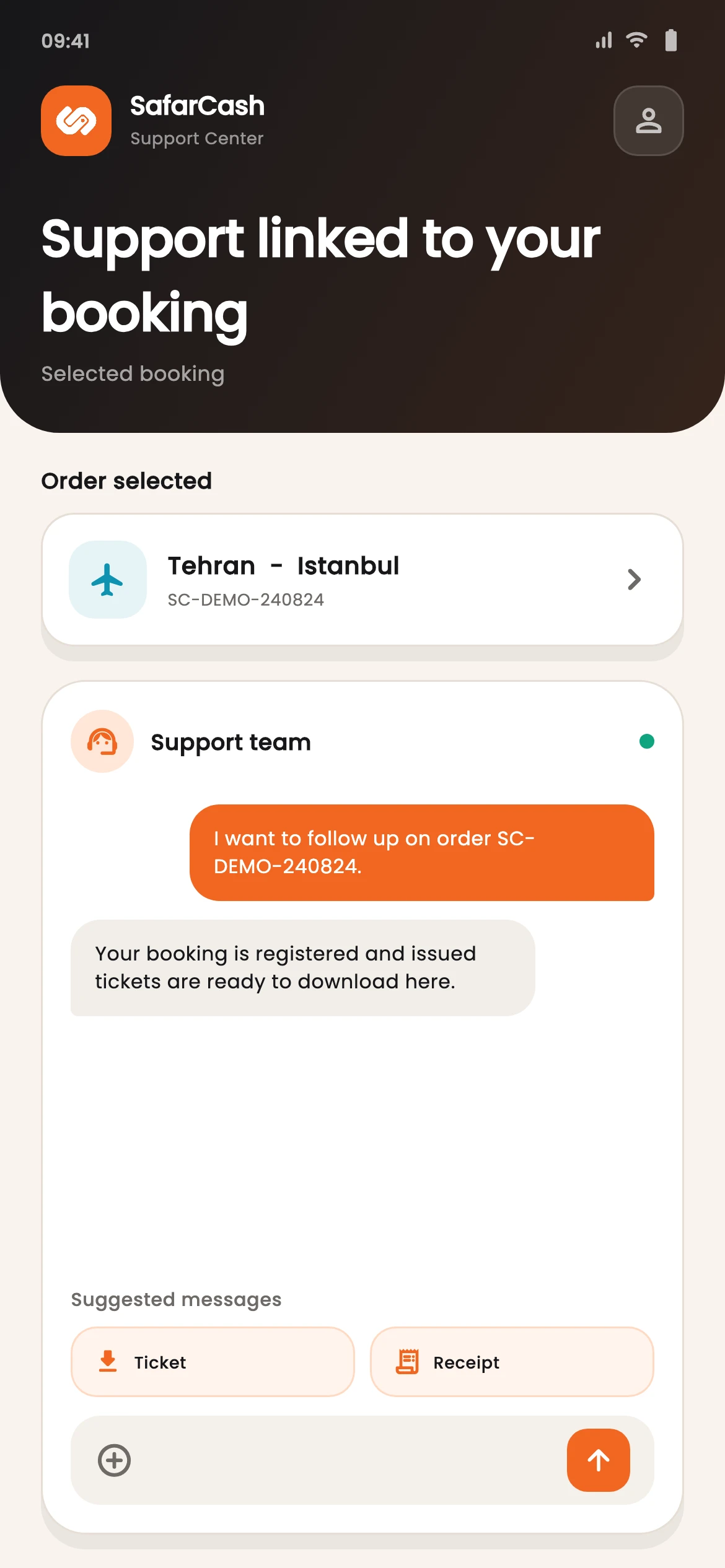
Choose the relevant service, select an available order when supported, and continue the request inside the app.
Start with the category that best matches the request.
Attach an available travel order when the support flow offers that context.
Return to active support tickets and their messages in the support center.
Select the service and request type that fit the issue.
Choose an available order when it belongs to the request.
Return to the ticket to read and send messages.
Support center
Service and order context can reduce repetition before the conversation begins.